How To · February 1, 2020
How To Add Lyrics To Instagram Stories
By Amuse
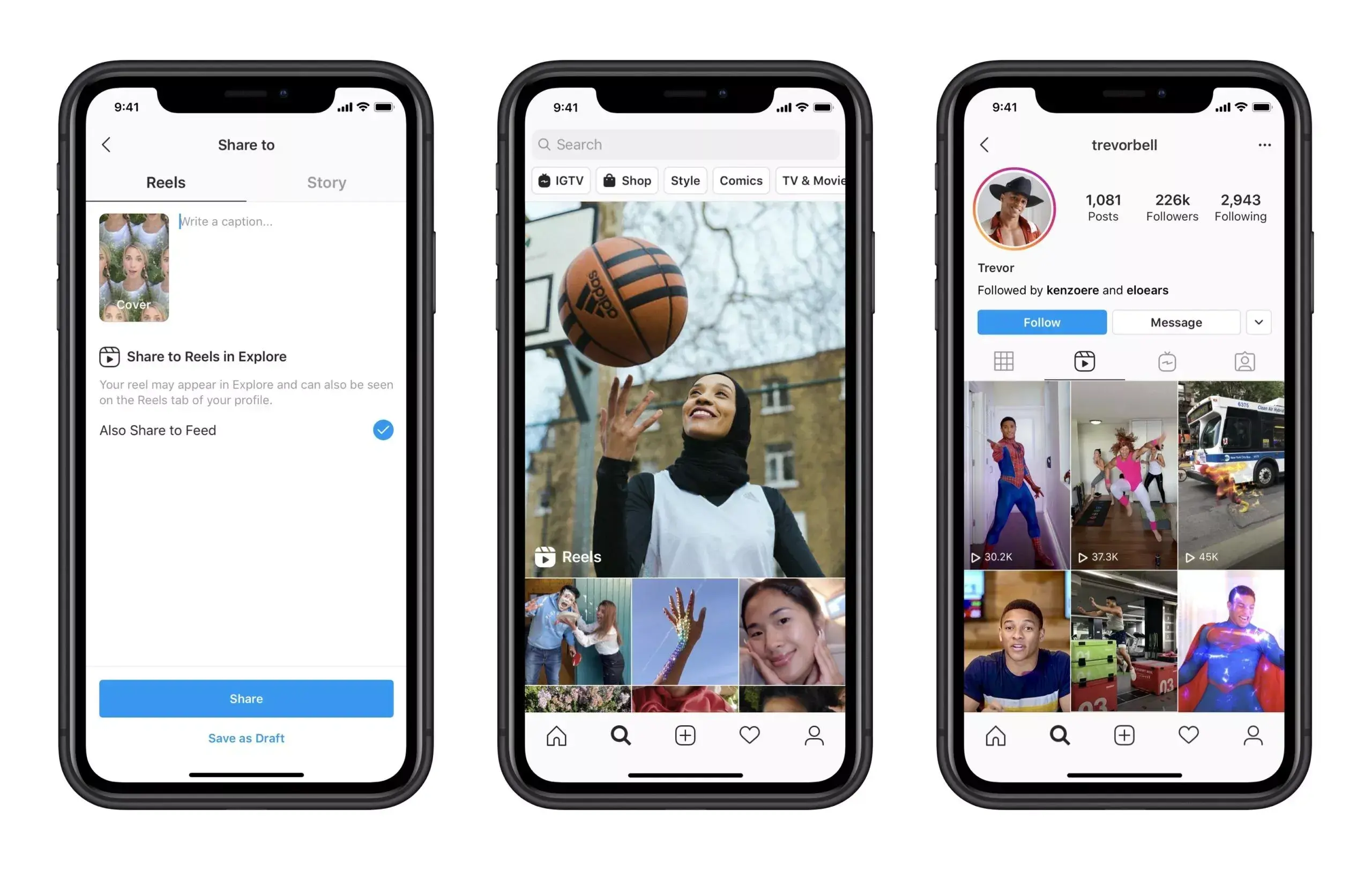
If you've ever used the Music sticker on Instagram Stories before, you've probably noticed that you can now add song lyrics to your videos. Wondering how music artists can upload their lyrics and match them with their songs?
Follow our guide below. And if you haven’t upgraded to Boost or Pro yet, sign up to start distributing your tracks to Instagram, TikTok and Facebook.
Upload Your Lyrics To Instagram Using Musixmatch
Musixmatch is the partner service that delivers lyrics to Instagram. Artists like Dua Lipa, Taylor Swift and A$AP Rocky all use this platform, and their service also gets your lyrics on Shazam, Apple Music and Google, so you can take care of all the major platforms in one go.
How It Works
Sign up on Musixmatch.com and get verified (it takes them a few days to approve your request - so be patient!)
Download the Musixmatch desktop or mobile app to add and edit your time-synced lyrics
Once your lyrics have been given the all clear by Musixmatch and approved and added to Instagram, here’s how you can find them in Stories:
Once in “Story” mode, add lyrics by selecting the ‘music’ sticker from the sticker tray after taking your photo or video.
Choose your song and use the scrubber tool to select the part of the song that best captures the moment you’re sharing. The scrubber will also enable you to find the lyrics of the exact part of the song you want.
Pick between different lyrics, animations, font designs and colors. Move, resize and rotate the lyrics to share your story.
Fans that watch your story will see the lyrics pop up as the music plays. When they tap on the lyrics, they’ll see a sticker with the song title and artist name that links back to your Instagram profile.

Once you're done adding your lyrics, you're ready to start using this Instagram feature to promote your music! Read our full guide on promoting your music on Instagram here.
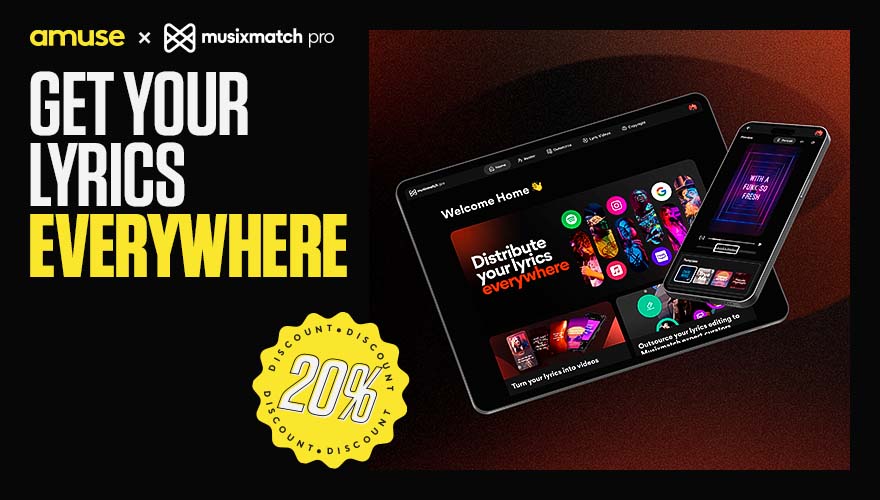
Ready to drop your lyrics? Try MusixMatch today. Amusers can enjoy a 20% discount. Sign up on Musixmatch and use the code AMUSE20 here.
Related
September 25, 2026
What is the best music distributor to transfer your songs from one distributor to another (Comparison)

How To · May 14, 2026
How to make a music video on a budget (in 2026)

Tips · February 3, 2026
The Best Music Distribution Services in 2026

How To · January 8, 2026