Tips · September 15, 2023
4 Best Online Mastering Tools for Independent Artists
By Amuse
Learning how to master your tracks is extremely time-consuming and finding the cash to pay for an audio engineer is difficult when you’ve got (one hundred) other things you need to spend your money on. You’re already hustling independently and finding creative ways to get your music heard, from promotion to securing live bookings. Time and budget are valuable, especially when you’re starting out.
Following the advancement in technology in the music industry, there has been an evolution in algorithmic online mastering tools and services. We compiled a list of our preferred online mastering tools that are easy to use and budget-friendly.
1. Amuse
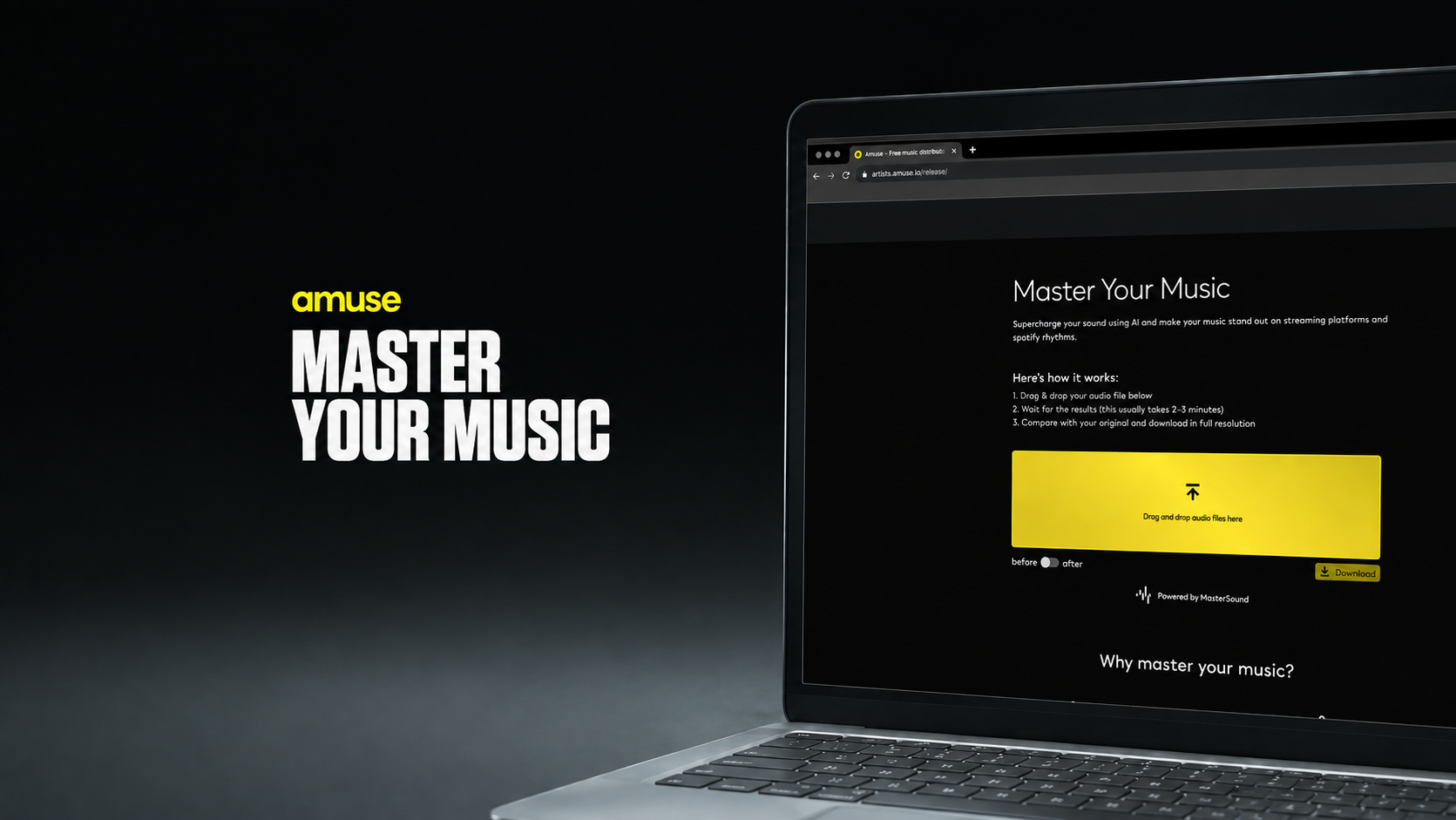
We recently launched our new online mastering tool, powered by our friends at Masterchannel, to offer easy mastering solution before you upload your new release. Simply drag and drop your unmastered track, then let our AI mastering tool finish your track for you.
Built inside our release builder, once your track is mastered, upload the finished track to distribute to all streaming platforms in one go!
Key features
Other AI-driven products on the market compare the tracks users upload to existing songs and genres, but our mastering tool has a different approach. Instead, our unique algorithm mimics the thought processes of a human mastering engineer to deliver an impressive result.
Some of our stand-out features include:
Studio-grade master quality: optimizes your music to sound great on all devices and streaming platforms, increasing your chances to get your music featured in the right playlists and outlets.
Zero technical expertise required: requires no user adjustments, you'll get a ready-to-go master.
Mastering results in less than 7 minutes.
Master several tracks at once. Perfect for EPs and Albums.
Revisions: we give you the chance to re-upload your mix if you need to do any adjustments to your initial upload.
Anyone can now master their songs and listen to the result (before & after), without the need of creating a user.
Pricing
As part of our launch, we have a special offer of just $5 per track. Try it out here!
Pros
Affordable pricing
Studio-grade quality with no technical expertise required.
Upload several tracks at once.
Quick turn around of your master (only 10 minutes).
If you need to adjust your upload, re-upload as many times as you want
Distribute your mastered track directly to stores
Cons
A computer-generated algorithm won’t pick up on some nuances in the audio that an experienced human audio engineer could.
2. Bandlab Mastering
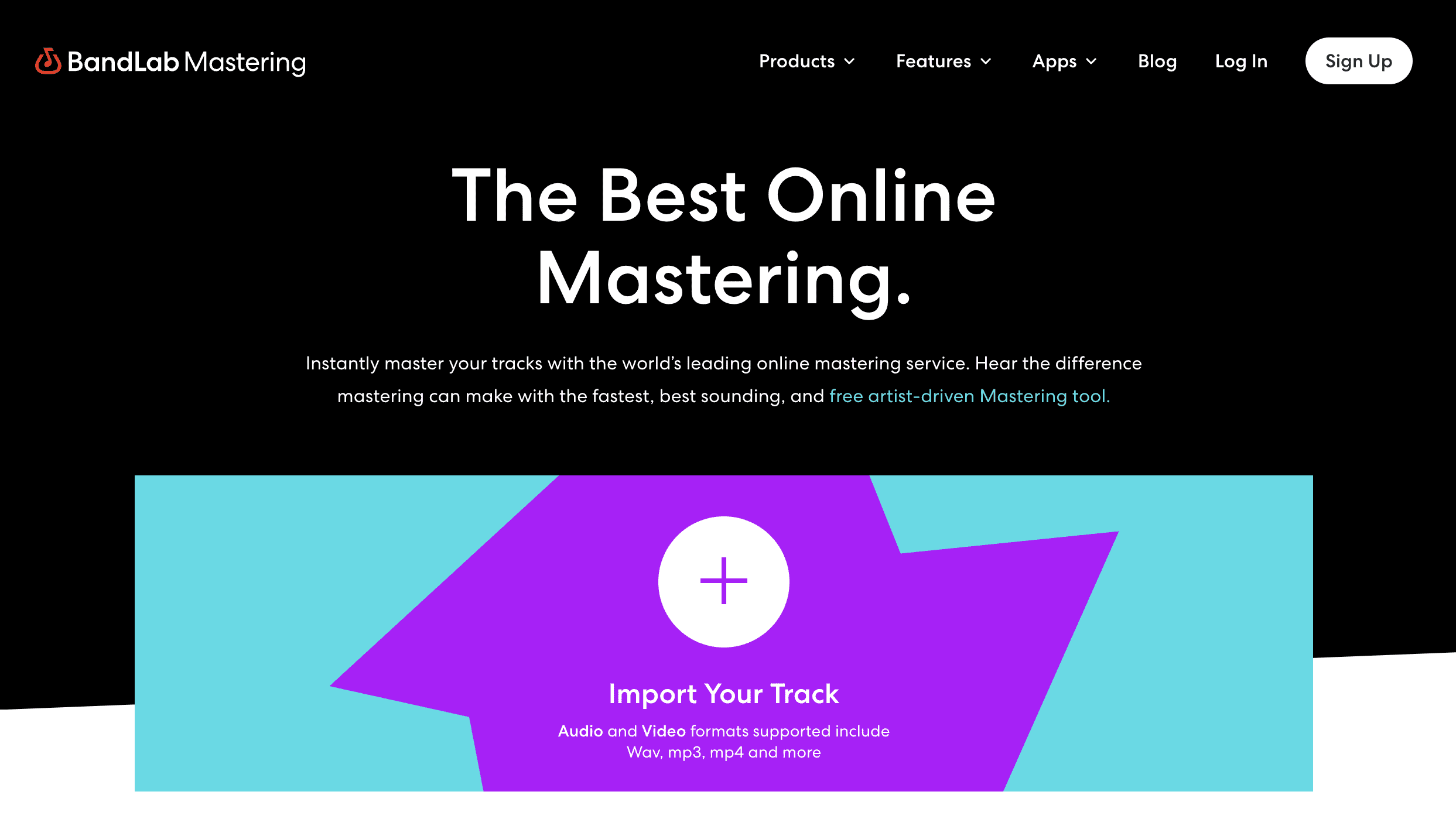
Bandlab started as a social network in 2015, set out to help musicians collaborate and share their music through their app and web service. You can currently make music, share it, collaborate, and engage with your followers.
Key features
There are different elements to the free Bandlab membership including:
BandLab: Their original membership allows you to upload songs, make music, and collaborate with other creatives who use BandLab. You will have access to all the necessary engineering tools needed to compose and record new music.
Sounds: With a big archive of royalty-free loops and sounds, you can use their library without worrying about infringing intellectual property.
Cakewalk by Bandlab: An online DAW created by industry professionals with over 30 years of expertise. You can record, edit, compose, mix, master, and upload your music when it’s ready to be shared.
Mastering: Their AI mastering service.
Pricing
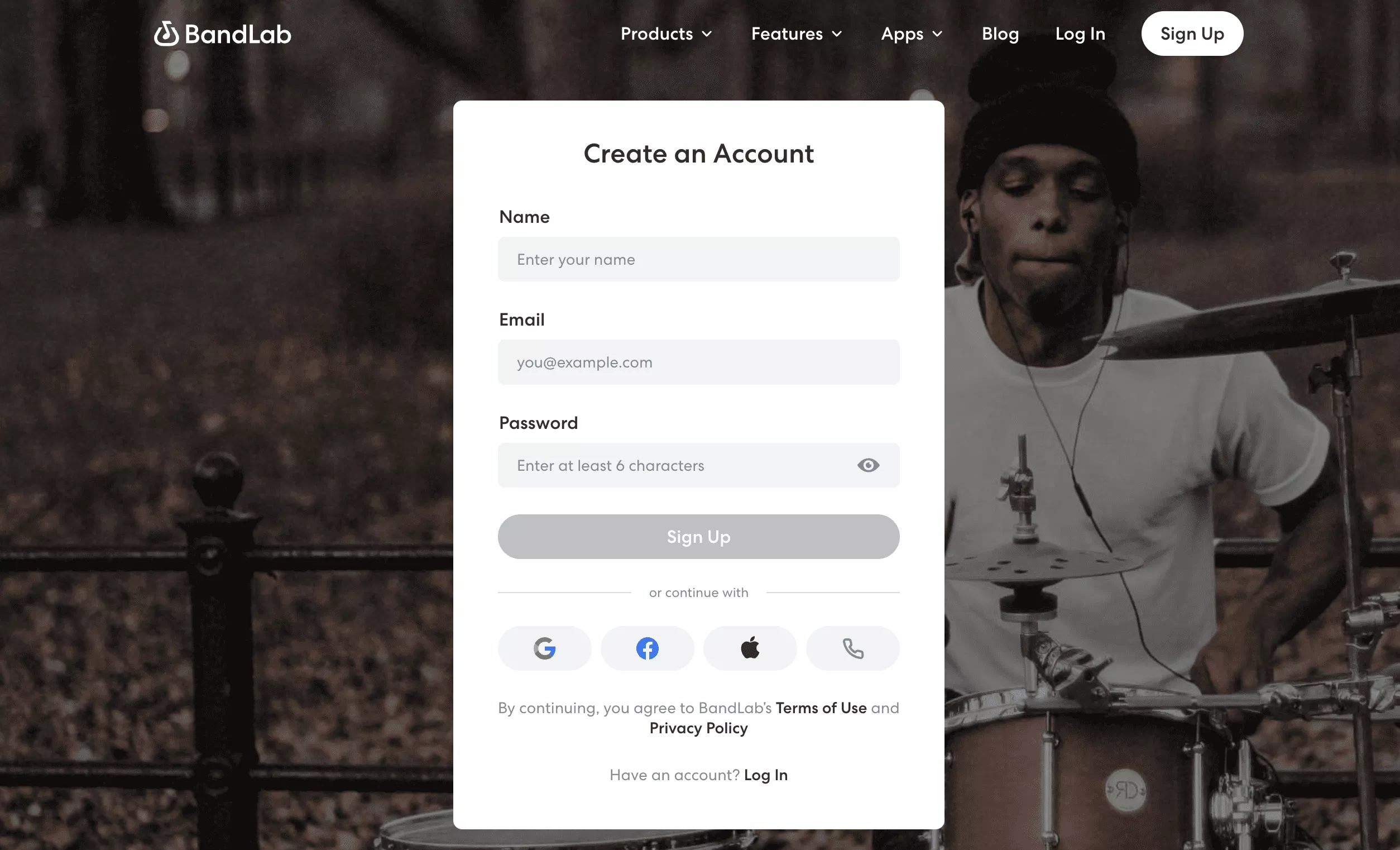
BandLab is 100% free, meaning you don’t have to create an account to master your tracks. But we recommend signing up for an account to access their long list of premium features.
Pros
Always 100% free
You don’t need to create an account to master your music.
If you have an account, you can master past songs you’ve made through BandLab (Cakewalk).
Strong full suite of sound tools.
Smooth mastering for your existing tracks.
Cons
You can’t edit or bundle an upload (one track at a time).
The mastering tools are somewhat limited compared to other services.
A computer-generated algorithm won’t pick up on some nuances in the audio that an experienced human audio engineer could.
3. RoEx Automix
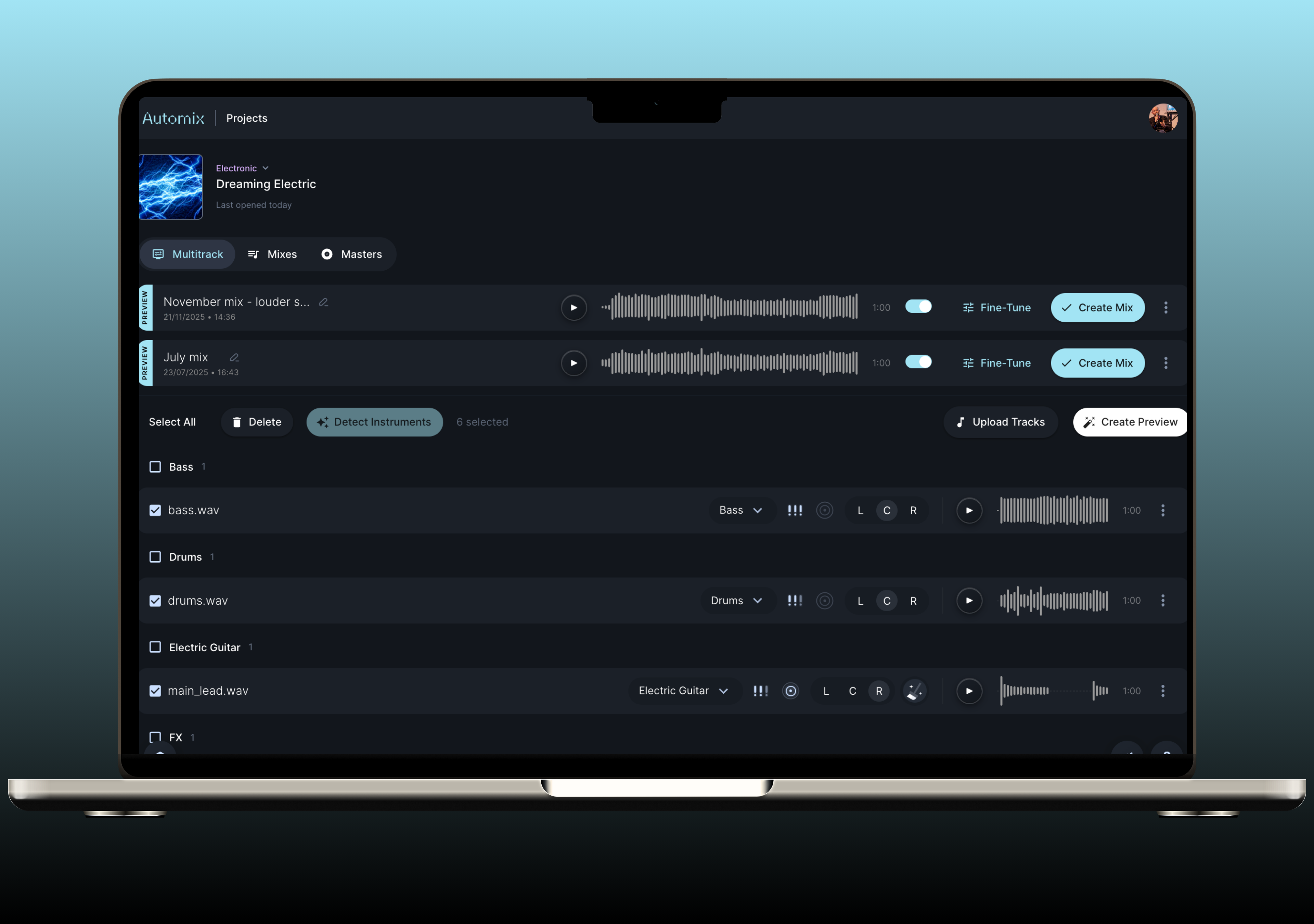
RoEx Automix takes a slightly different route to the other tools on this list. Rather than starting with a finished stereo mix, it starts one step earlier, with your individual stems. Upload your vocals, drums, bass, synths and whatever else is in the session, and Automix balances them into a full mix, then masters the result so it is ready for release.
That makes it handy if you produce everything yourself and do not have a mix engineer to hand your stems to. The tool grew out of research at Queen Mary University of London's Centre for Digital Music, and it is built around how a mix engineer actually works, setting levels, EQ, compression and panning across each track rather than processing everything as one file.
If you already have a mix you are happy with, you can still upload it for mastering on its own.
Key features
Multitrack mixing. Upload your stems and get a balanced full mix back
Mixing and mastering in one go. Go from raw stems to a release-ready master in a single upload.
Editable DAW session export. Download your mix as a session you can reopen in Ableton Live, Bitwig Studio or Fender Studio and keep tweaking.
Genre and loudness control. Set the style and loudness target to suit your track and where it is going.
Works with stem groups. Mix a full track or just a group of stems, handy for remixes and alt versions.
Pricing
Automix is free to try, so you can hear the result before you pay. After that you can choose between:
Pay-as-you-go at $7.99 per download.
Pro subscription at $24.99 per month and $149.99 annually
Pros
Mixes multitrack stems
Mixing and mastering handled in one place
Editable session export, so you are never locked into Automix’s decisions
Free to try before paying
Built on university audio research
Cons
Needs separate stems for the multitrack mixing, so if you only have a bounced stereo file you'll be using it for mastering alone
You get the most out of it when you have clean, well-recorded stems, so poorly recorded parts will still need attention
Uploading a full set of stems takes a little longer than dropping in a single mix
4. eMastered
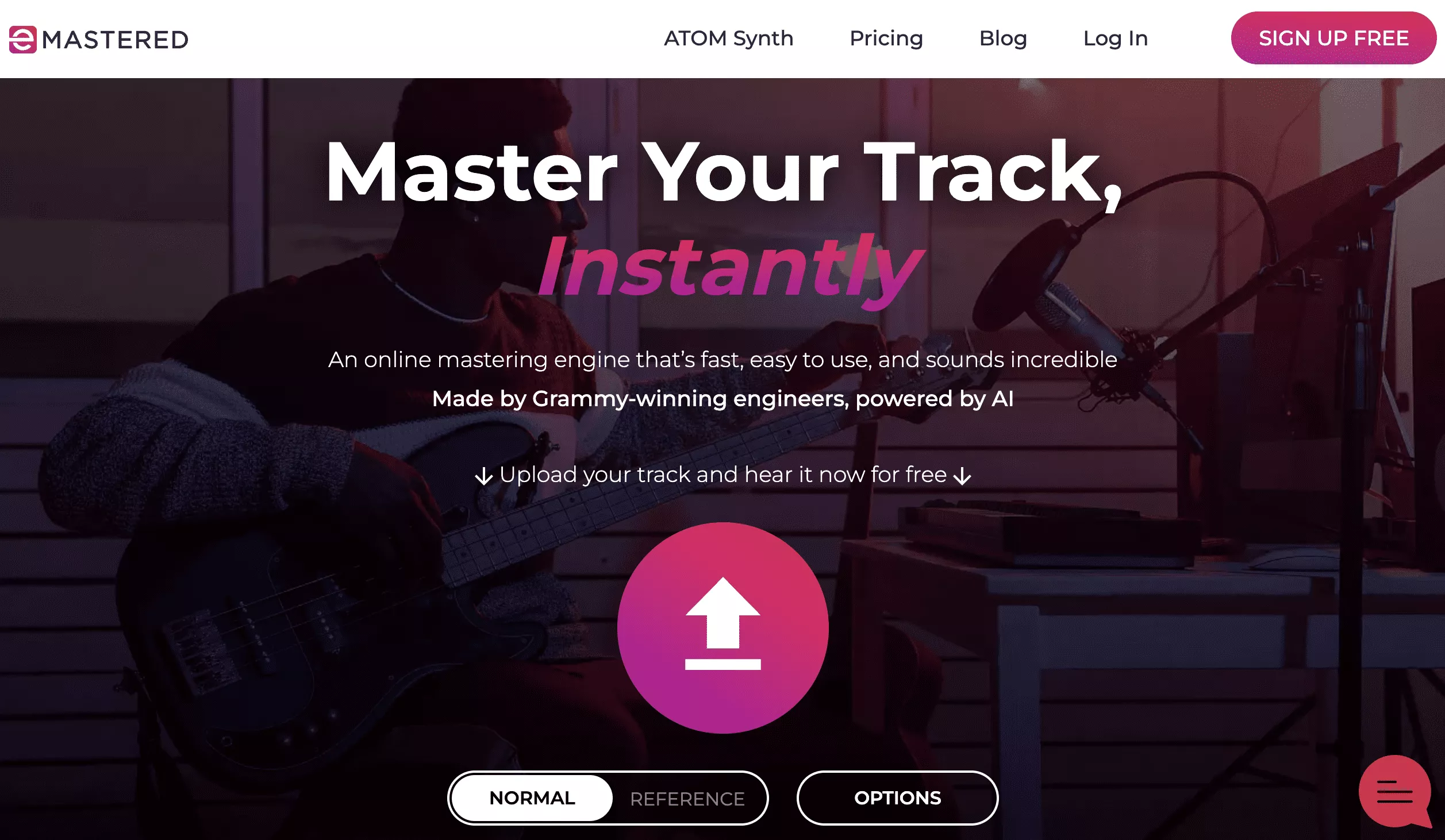 eMastered is an online automated mastering service that uses artificial intelligence to master tracks. The service was co-founded by Grammy Award-winning engineer Smith Carlson and hit EDM singer/producer Collin McLoughlin to create a mastered product that meets professional standards.
You can upload your song to their platform (in MP3, WAV, or AIFF) and have it mastered in seconds using their AI-powered mastering engine. Their algorithm is built on automation and will analyze your song to choose the best tools that will help enhance your track so it sounds like eMastered says, “more full of life”.
It’s not 100% automated, with some control over the intensity of several aspects like EQ, compression, volume, stereo width, and the overall "strength" of the master. There's also a simple 3-band EQ (Low, Mid, High) that you can boost/cut to your liking for each recording.
eMastered uses machine learning to improve each song it masters and is compatible with any genre. The premise of their service is to use traditional mastering techniques in an automated format.
Key features
You get a quality-sounding master regardless of genre.
Reference mastering. You can upload a reference track to be analyzed by the system. It then applies effects to your song in order to create a sound that is similar to the reference.
Advanced options/customizability. Allow for manual control of compression, EQ, and other factors so that the AI isn't performing all of the jobs without any help from the user.
Cloud storage. All of your masters should be backed up on the eMastered server.
One subscription plan which unlocks unlimited masters and downloads.
Pricing
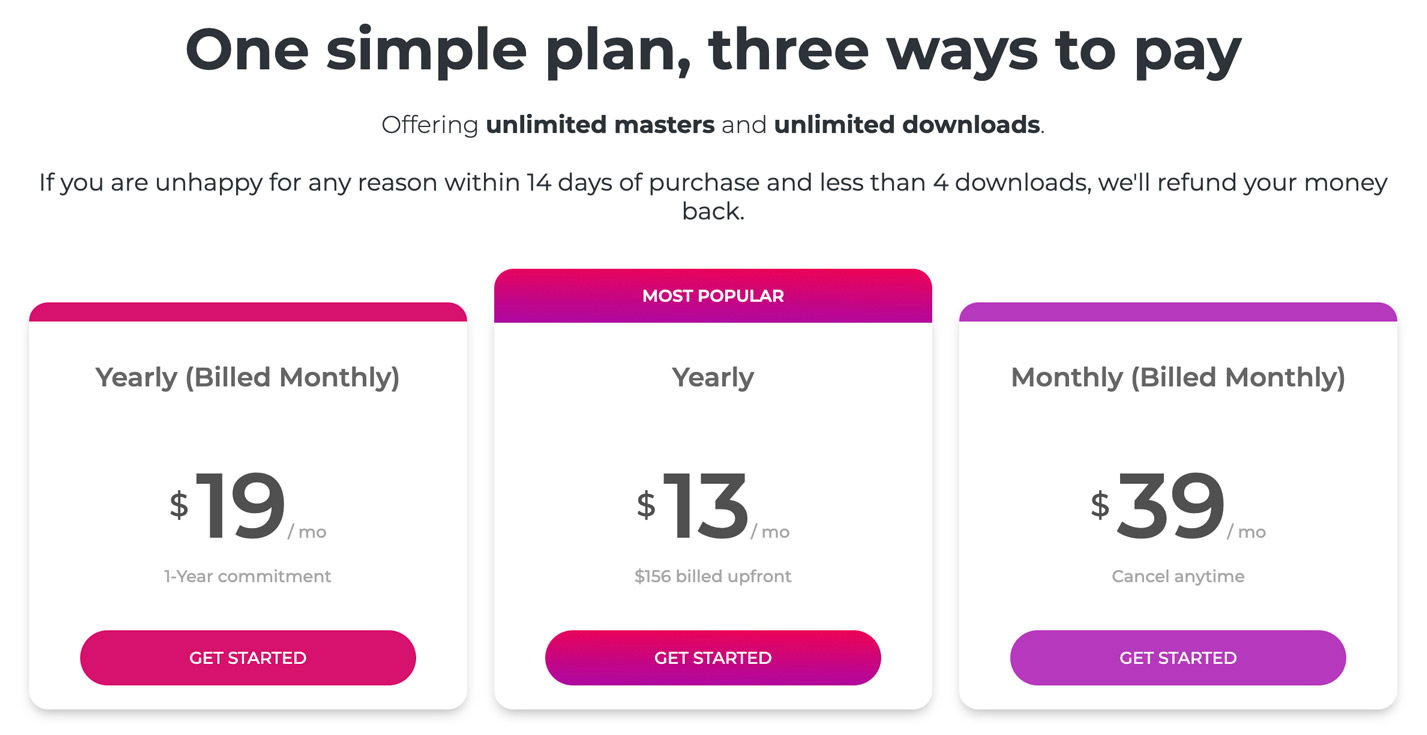
eMastered has one plan that you can pay for in three different ways. Upon subscribing, you get unlimited access to their mastering tools and downloads. Additionally, you get access to their reference mastering, shareable library page, cloud storage, and track statistics.
Here are the three payment options for their plan.
Yearly (billed monthly) at $19 per month. A one-year commitment is required with this plan.
Yearly at $13 per month. ($156 billed upfront).
Monthly (billed monthly) at $39 per month (you can cancel anytime).
Tip: If you want to get free months of unlimited mastering, eMastered has a referral program. Read about their offer here.
Pros
Affordable pricing
Several mastering settings that you can easily adjust
Quick turnaround and easy to use
Sonically it fills the complete frequency spectrum
Master your song using a reference track
Share your finished track with your fans
Cons
The mastered track lacks a little magic that you get when you employ a dedicated mastering studio
If you find that you have the time to learn how to master your tracks, read "Best Sound, Mixing & Mastering Tools for Independent Artists".
Related

September 25, 2026
What is the best music distributor to transfer your songs from one distributor to another (Comparison)

How To · May 14, 2026
How to make a music video on a budget (in 2026)

Tips · February 3, 2026
The Best Music Distribution Services in 2026

How To · January 8, 2026